 Color Picker


About the App
Last updated: 2026-11-27
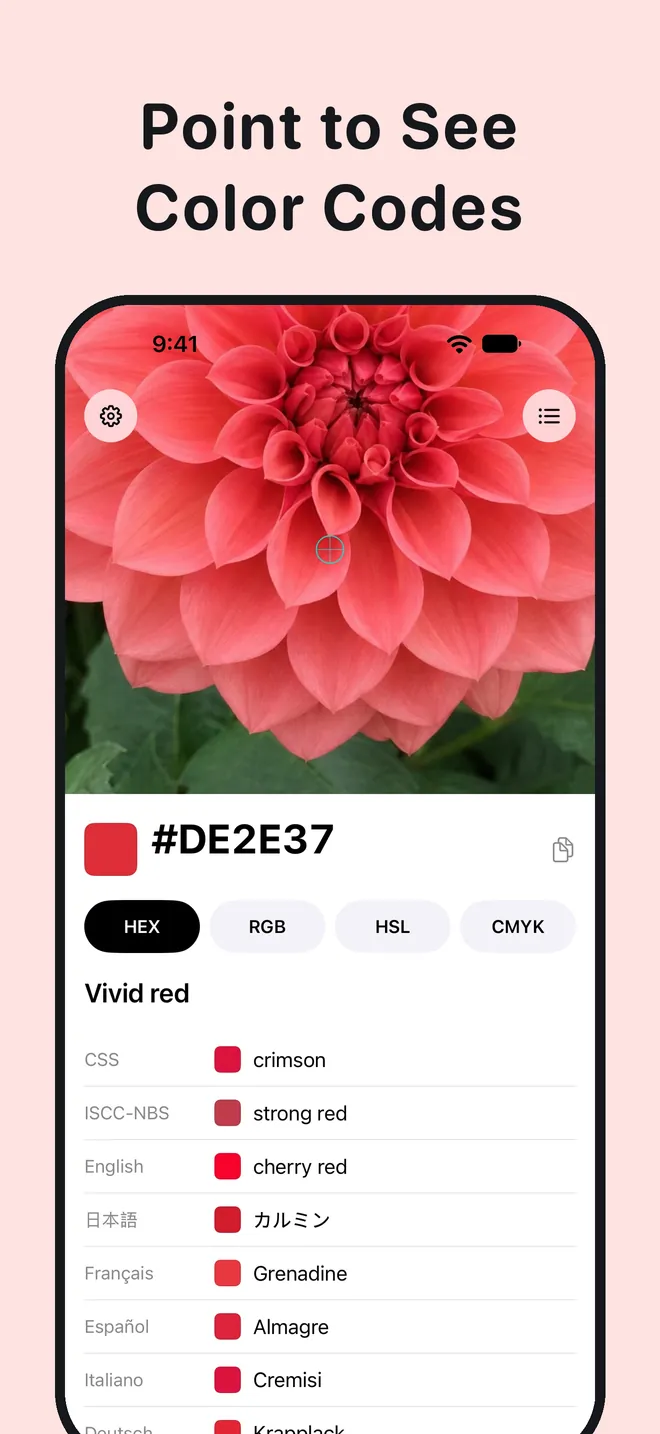
Get color codes
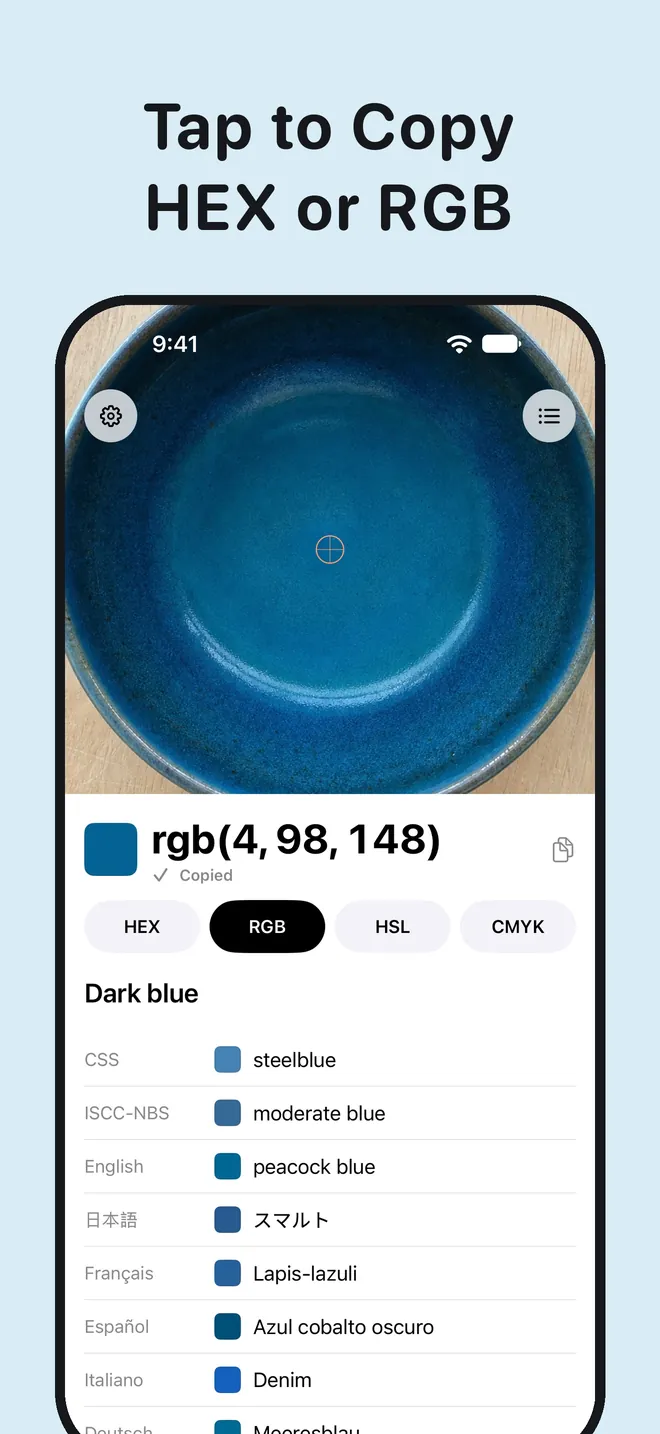
- Four formats: HEX, RGB, HSL, and approximate CMYK
- Tap the large code to copy it
- Pinch to zoom up to 5x for things farther away
- Tap the camera view to pause reading color
See color names
- A plain description, such as “Light blue-green”
- CSS (web) and ISCC-NBS color names
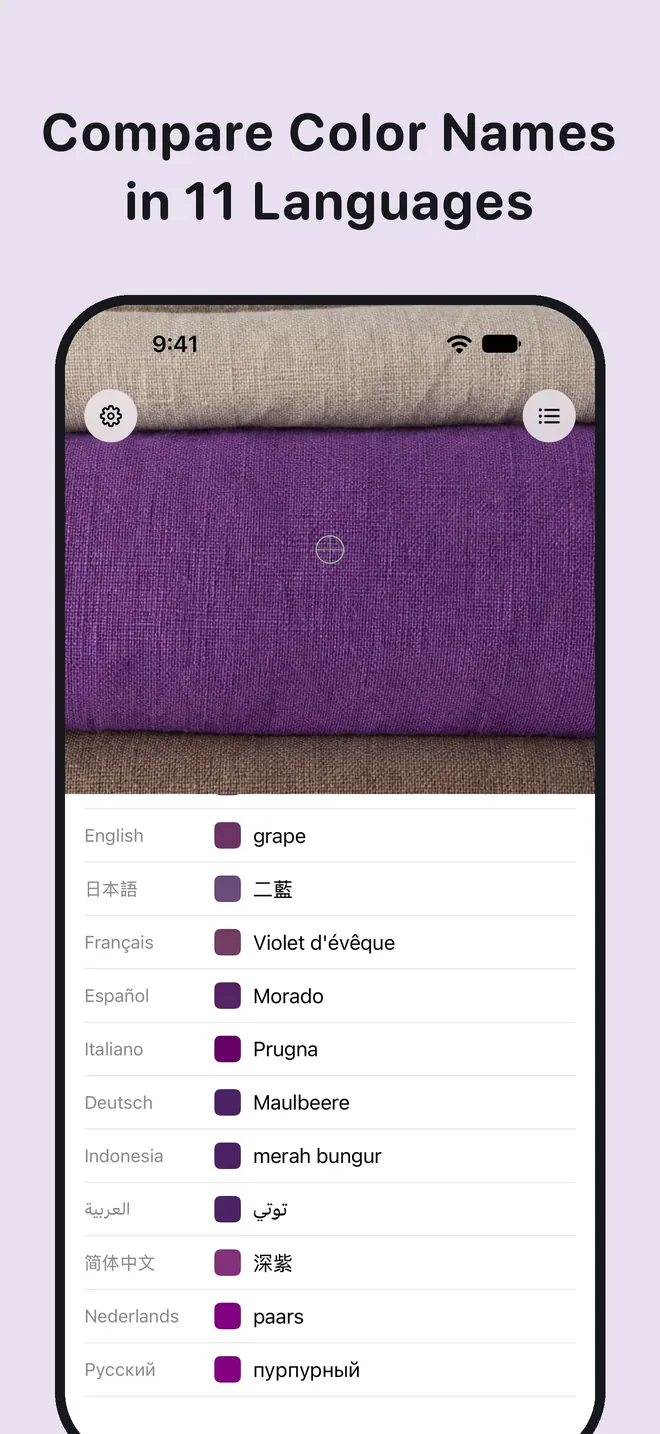
- Names in English, Japanese, French, Spanish, Italian, German, Indonesian, Arabic, Simplified Chinese, Dutch, and Russian
A swatch next to each name shows the color that name refers to, so you can compare languages. If nothing is close enough, you will see “No close name.”
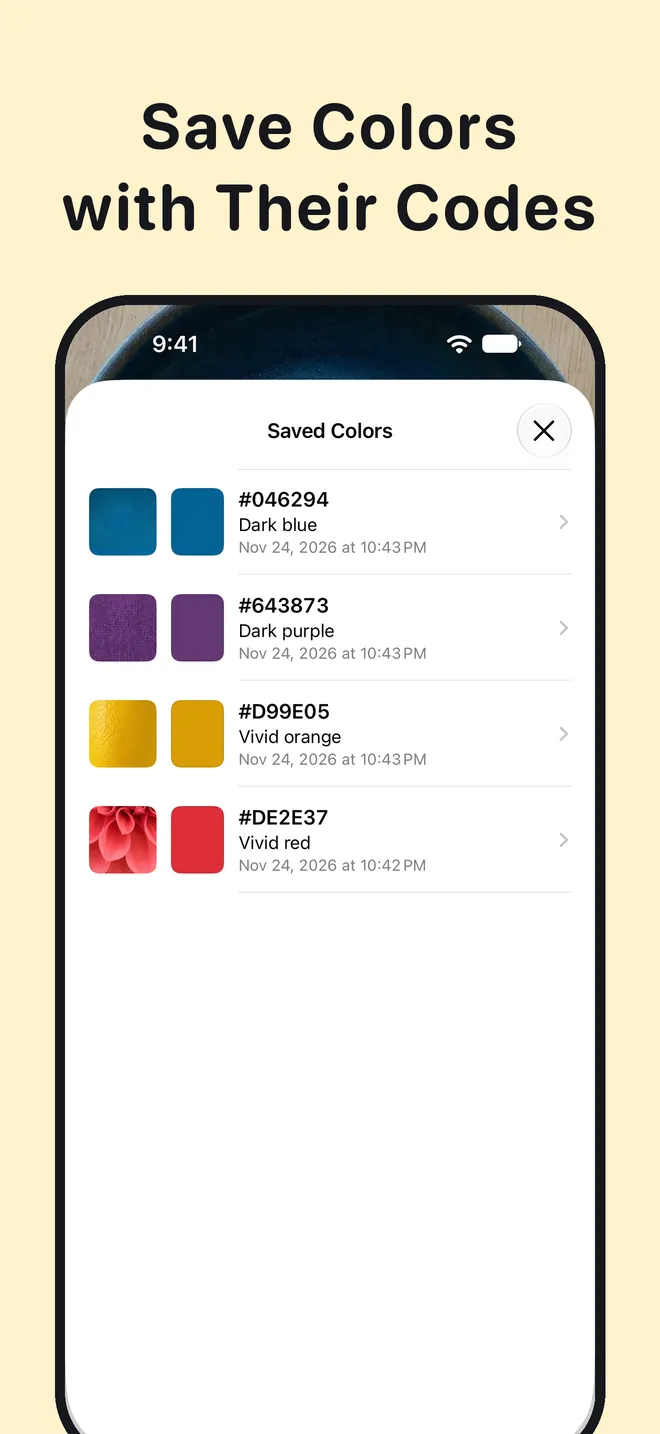
Save colors
- Save a small photo of the area around the crosshair with the codes, names, date, and time
- Copy any of the four formats from a saved color
- Delete colors you no longer need
Your data
Camera video and images are never sent off your device. The App stores saved colors on your device. It does not use your location. No account is needed. The App uses the network for ads and usage analytics.
Good to know
- Values are estimates. The same object can give different readings depending on lighting and automatic camera processing. Accuracy is not guaranteed for exact uses such as matching print or paint colors.
- CMYK values are approximate. They do not match printed colors.
- This app contains ads. A banner appears with your saved colors, and a full-screen ad may appear after you save a color. There is no banner on the camera screen.
Requirements
iPhone with iOS 18.0 or later, or a device with Android 8.0 or later