 iPhone
Tiny Town Camera
See the miniature look before you shoot
Tiny Town Camera shows the miniature (diorama) look live on the screen of your iPhone. What you see is saved to Photos as a photo or a sped-up video, so there is no editing step afterward.
Coming soon to the App Store
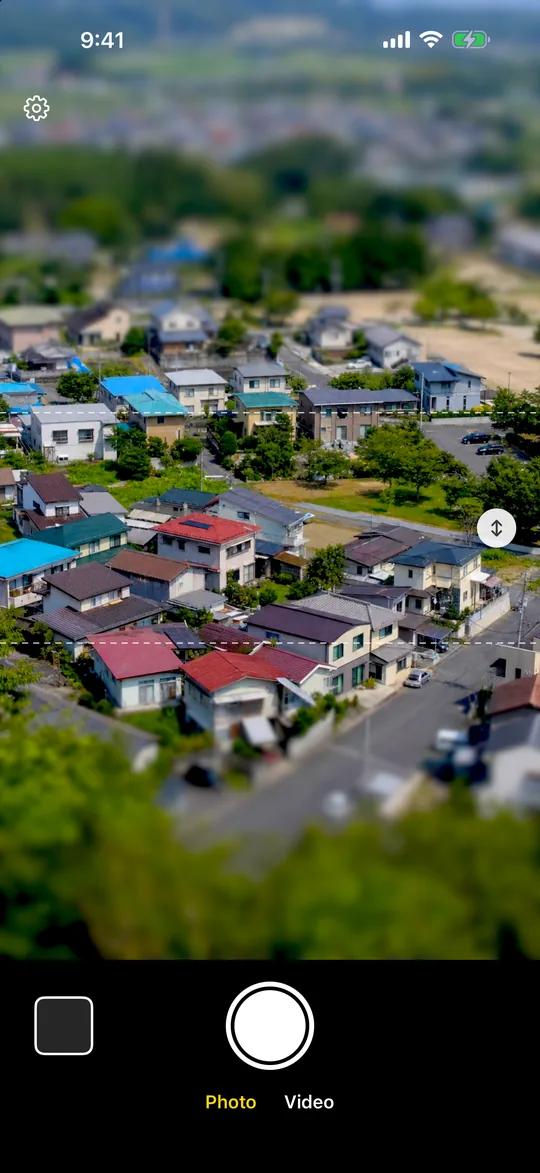
What it looks like
Screens from the iPhone app.
See the miniature look liveWhat you see is saved. No editing.
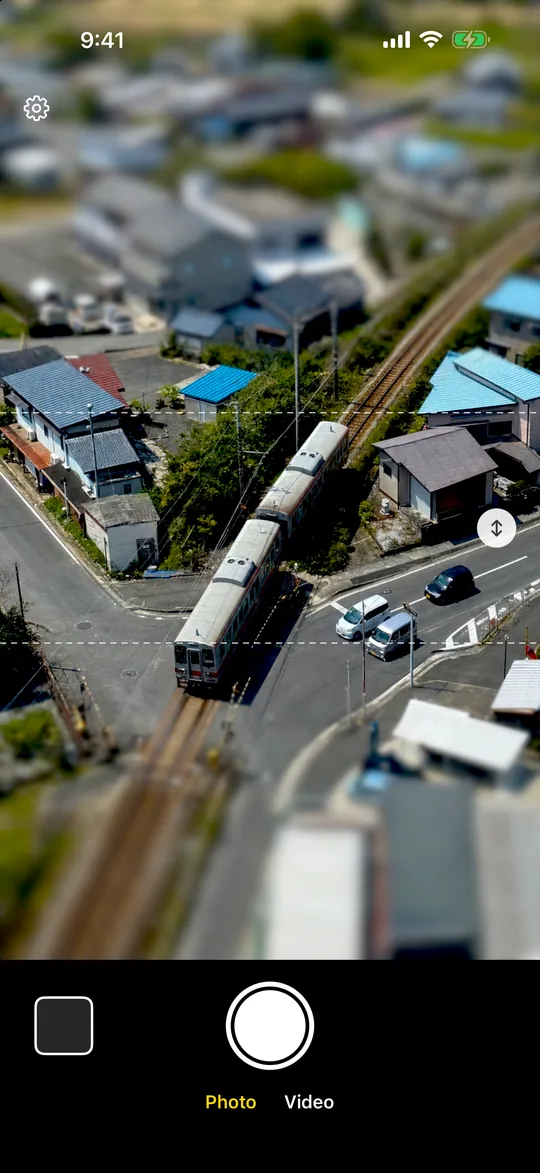
Slide and tilt the focus bandDrag the slider. Rotate with two fingers.
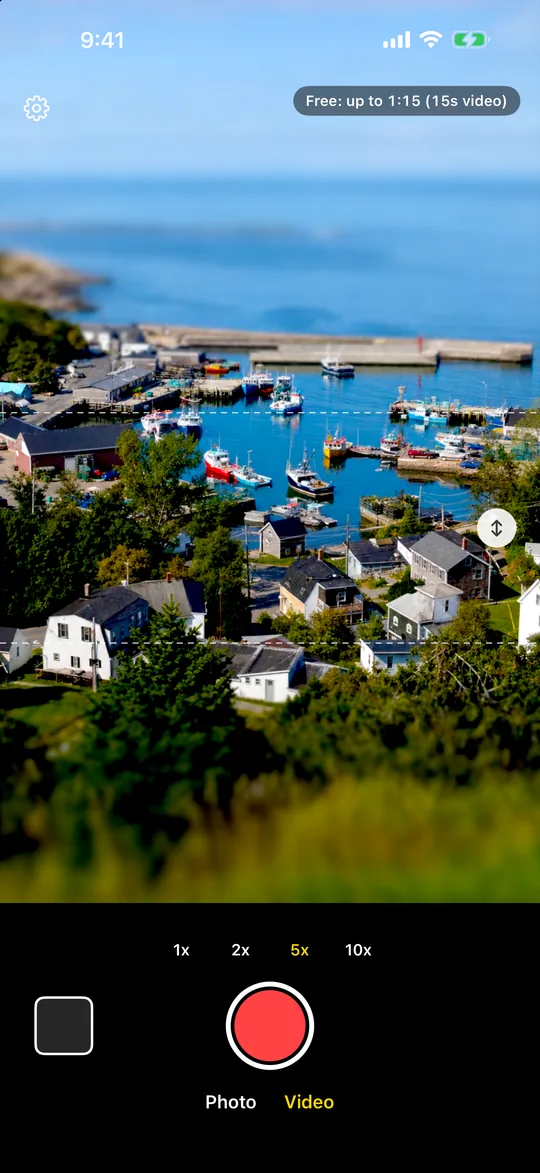
Sped-up miniature videosChoose 2x, 5x, or 10x.
What it does
Miniature look, live
- Everything outside the band that stays in focus is blurred, and colors get a little richer
- It is on the screen before you press the shutter, so you can frame the shot as it will be saved
- Opens straight to the camera
Move and tilt the focus band
- Drag the slider on the right edge up or down to move the band
- Rotate with two fingers to tilt it, for example along a road or a railway
- Portrait or landscape
Sped-up videos
- Choose 1x, 2x, 5x, or 10x
- Videos are sped up while you record, so they are saved as soon as you stop
- People and cars move in quick little steps. No sound is recorded
Saved as you see it
- Photos and videos go to your Photos app. No editing is needed
- On devices that can measure depth, the blur follows distance in front of and behind the subject
- No ads. No location access. The app only adds to Photos and never reads your library
Pricing
- Take all the photos you want for free.
- Free videos have a length limit, are saved at 720p, and carry a small watermark in a corner.
- A one-time purchase removes the length limit and the watermark, saves videos in 1080p, and saves photos at your device's highest resolution. There is no subscription. The price depends on your country and is shown in the App Store.
- After you buy, use Restore Purchase in Settings on a new device.
Requirements
iPhone with iOS 17 or later.
Policies
Contact
Questions and bug reports: contact@kyworks.jp. We reply within 2 business days (JST).