 Font · for iPad
Type, expressed.
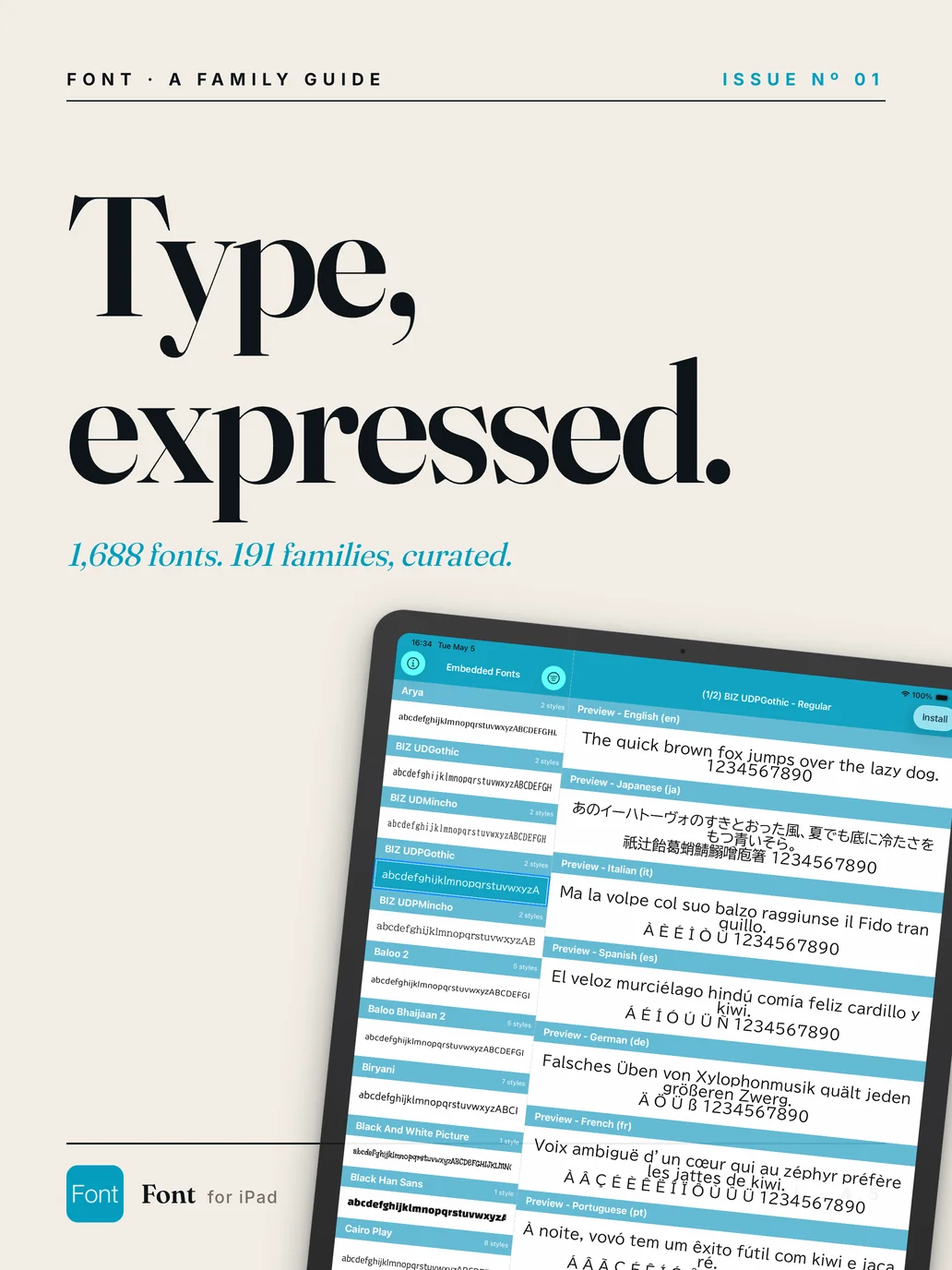
1,688 fonts. 191 families, curated for iPad.

FONT · A FAMILY GUIDE FOR iPAD · ISSUE Nº 01
01System integration
Your fonts, anywhere.
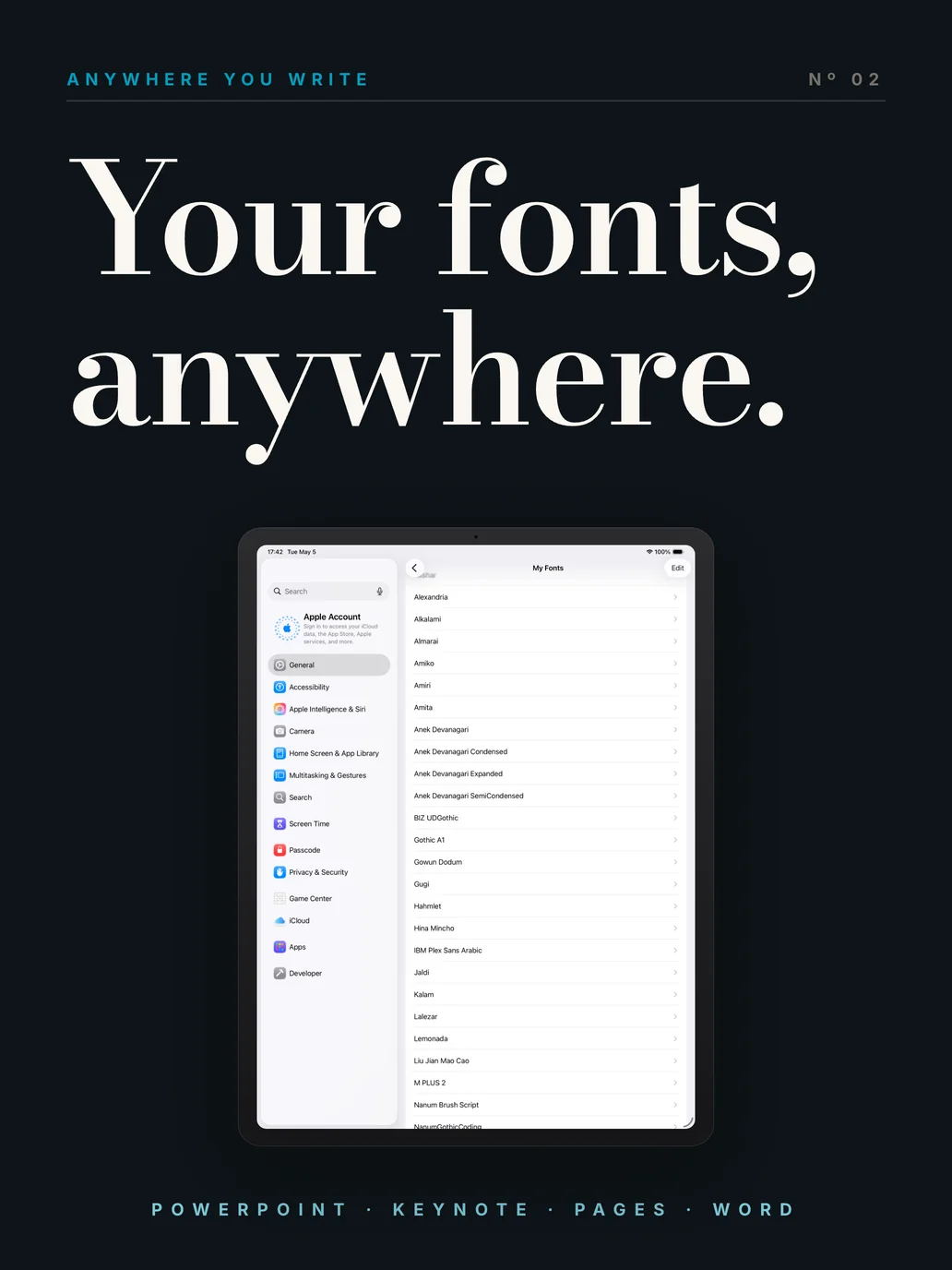
Once installed, every font becomes available across iPadOS — Keynote, PowerPoint, Pages, Word, Numbers, Procreate, Affinity, Adobe Express, and beyond.
One install. Every app.
Font registers each typeface at the iPadOS system level via a Configuration Profile. There is no per-app setup — the typeface simply appears in any font picker that follows the system.
Switch between Inter for body, Bodoni Moda for the headline, and Cormorant for the deck — without leaving Keynote.
“Set once. Use forever, in everything.”
02Custom import
Bring the font you love.
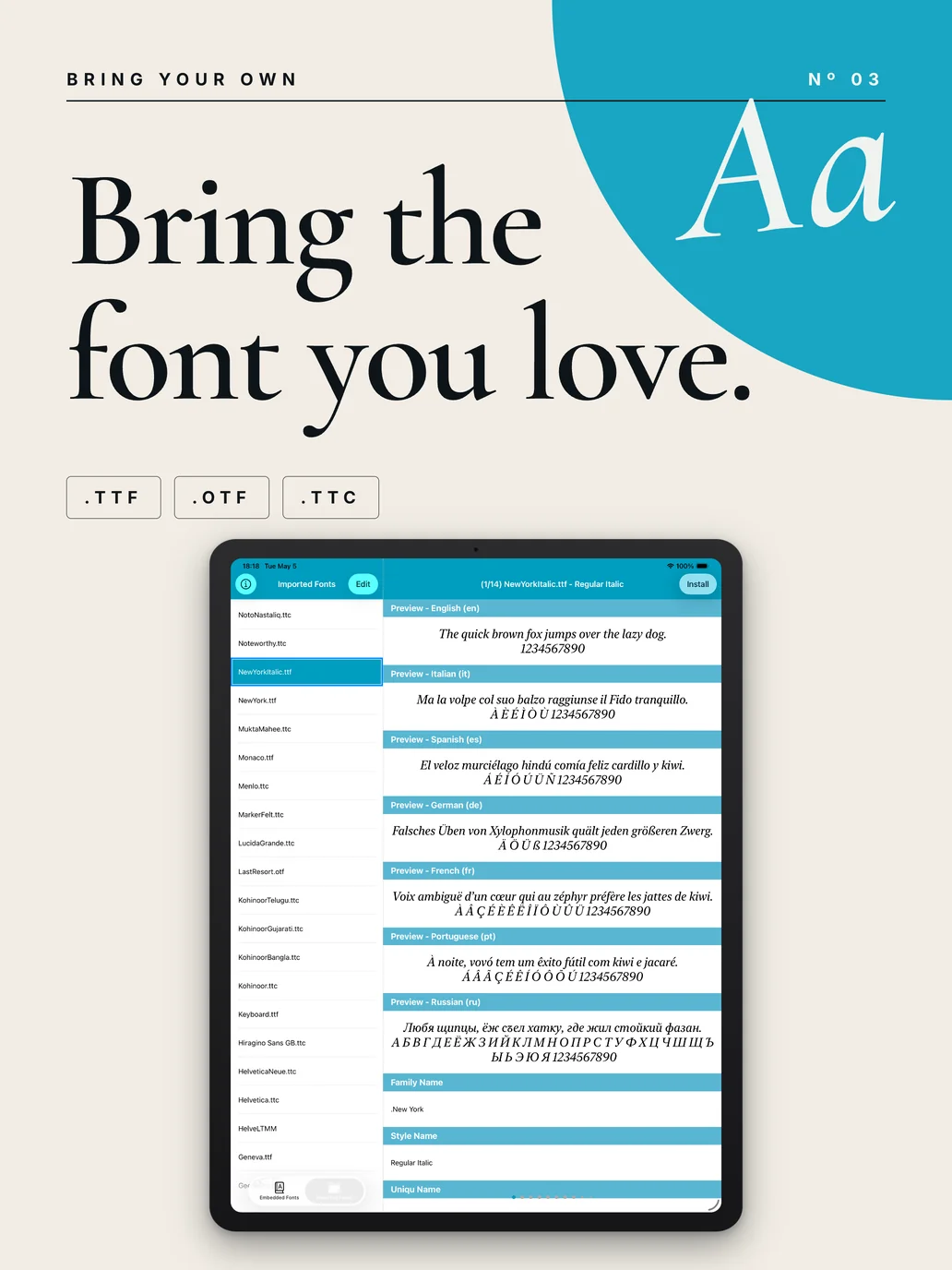
Open any .ttf, .otf, or .ttc file in Font, then install it to iPadOS — exactly the same way as the curated library.
Import. Install. Done.
From the Files app — or any cloud drive — open a font file with Font. The file is imported into the app's catalogue and ready to install at the iPadOS system level.
Personal collections, brand fonts, foundry purchases — all welcome. Font does not upload, scan, or analyse the files in any way.
03The library
A library of 191 families.
From Bodoni and Garamond to Inter, JetBrains Mono, Noto, and a hand-picked selection of display faces. Browse by category, language, or style.
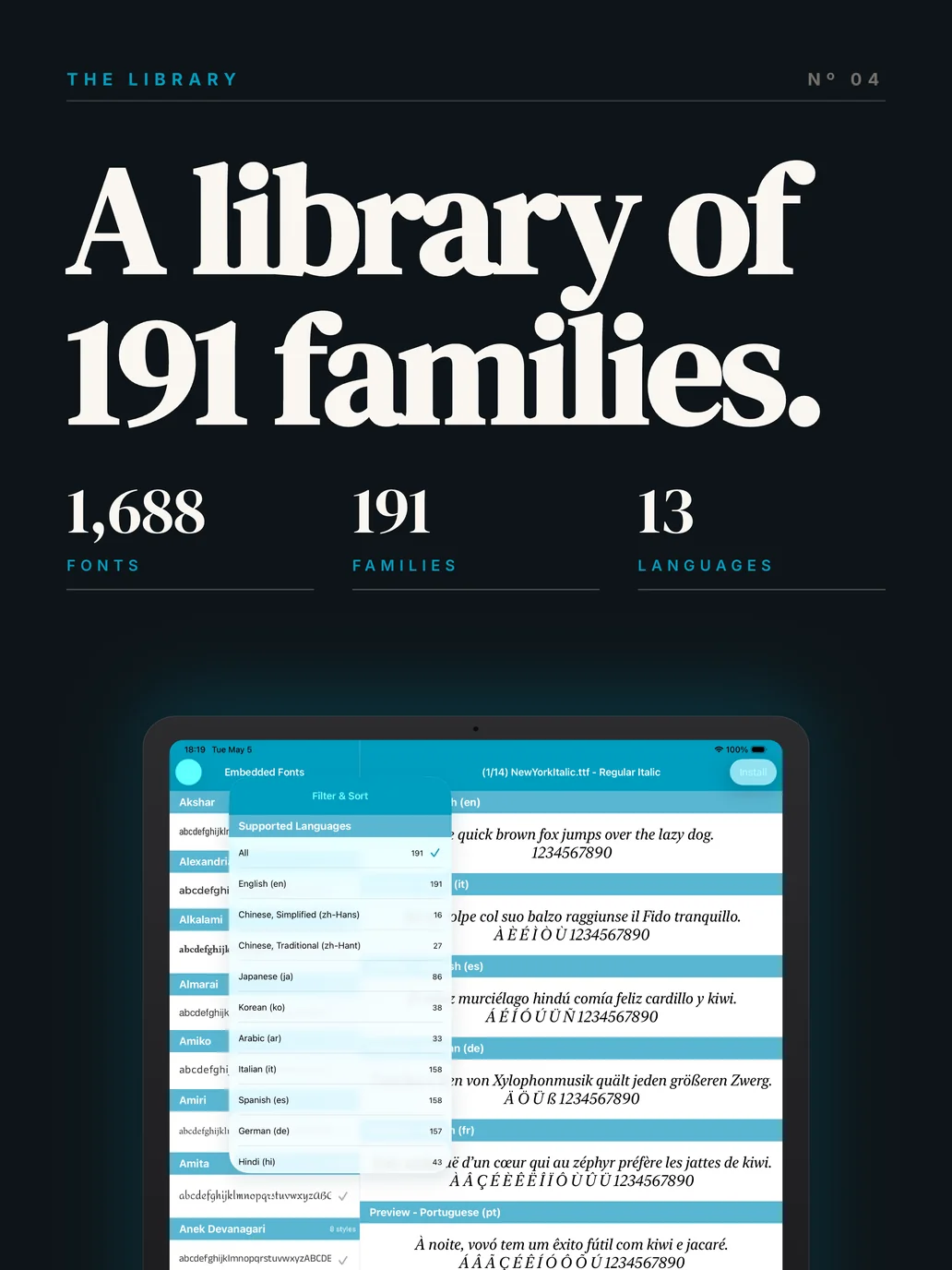
Browse, filter, install.
Every family lists its weights, language coverage, and a real-text preview. Filter by serif, sans, display, mono, hand, or by language script (Latin, Japanese, CJK, Cyrillic, Arabic, Devanagari).
Selection is curated — no wall of randomly-named font files. Each family is documented and version-locked.
04Preview
See it before you set it.
Each family ships with a live preview rendered in your own sample text — across every weight and style — so you choose with intent, not by name alone.
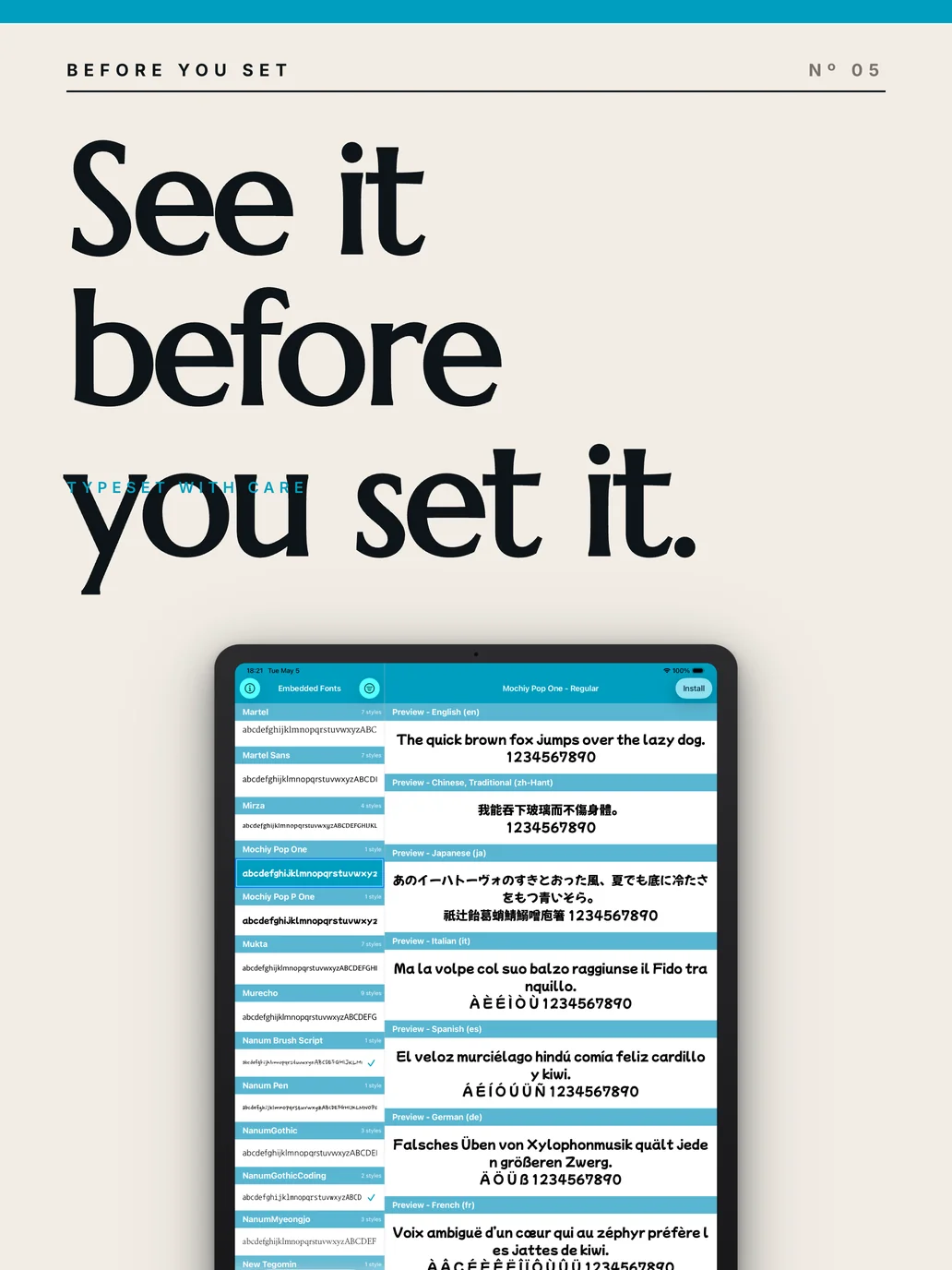
Type. Read. Decide.
Type a phrase, a brand name, or a paragraph of body copy. Font renders it in every weight of the family — Regular, Italic, Bold, Light, Black — at the size you want.
No more naming guesswork. The preview is the spec.
05How to use
Three steps. Done.
From browsing the library to typing in PowerPoint or Keynote — three steps, no manual setup.
Find a font you like
Browse 191 families by category, language, or style. Tap any preview to see it set in your own sample text.
Tap Install
Approve the install in Settings when prompted. The typeface joins iPadOS at the system level — available everywhere.
Pick it in your app
Open PowerPoint, Keynote, Pages, Word, or Procreate — your new font is in the picker, ready to use.
06Compatibility
Works with the apps you already use.
Any iPadOS app that exposes a system font picker can use Font's typefaces. The list below is non-exhaustive — confirmed favourites of our users.
07Frequently asked
Questions, answered.
Is my data ever uploaded?
No. In normal use Font does not collect personal information. Font files you import — and the curated library — never leave your iPad. The only data Font transmits are anonymous usage analytics (Firebase), the ad request to Google AdMob / Meta Audience Network for the in-app banner, and — only if you use the optional feedback form — your message and any email address you choose to enter (Google Forms).
How do I uninstall fonts?
Open Settings → General → VPN & Device Management → Profile, select the Font profile, and tap Remove Profile. All fonts installed by Font are removed in a single action. Removing the Font app itself also removes the profile.
Can I really use these fonts in Microsoft Office?
Yes. PowerPoint, Word, and Excel for iPad expose the iPadOS system font picker — every font installed via Font appears there. Note that fonts do not travel with the document; if you open the file on Windows or macOS without those fonts installed, the OS will substitute. This is standard cross-platform behaviour.
Why iPad only?
Font is designed exclusively for the iPadOS workflow — large preview surface, drag-and-drop file import, and a font picker that benefits from the wider canvas. As of v4.5.2 the app is iPad-exclusive (Universal builds were retired).
Does the app contain ads?
Yes — a single banner powered by Google AdMob with Meta Audience Network mediation. The ad is fixed at the top of the library screen and does not interrupt installation, preview, or any core flow.
What font formats are supported?
OpenType (.otf), TrueType (.ttf), and TrueType Collection (.ttc). Variable fonts are supported when the file is a valid .ttf with variable axes; the iPadOS font picker exposes the default instance.
08Reference